
 Legal
Meetful Legal · Counsel
Two parties. One draft. An AI counsel in the middle.
A video call where Counsel listens to both sides, reads any clause aloud while the words light up on both screens, and proposes wording that only goes in when both parties accept.
- Free to start
- The other side joins from a link
- No download
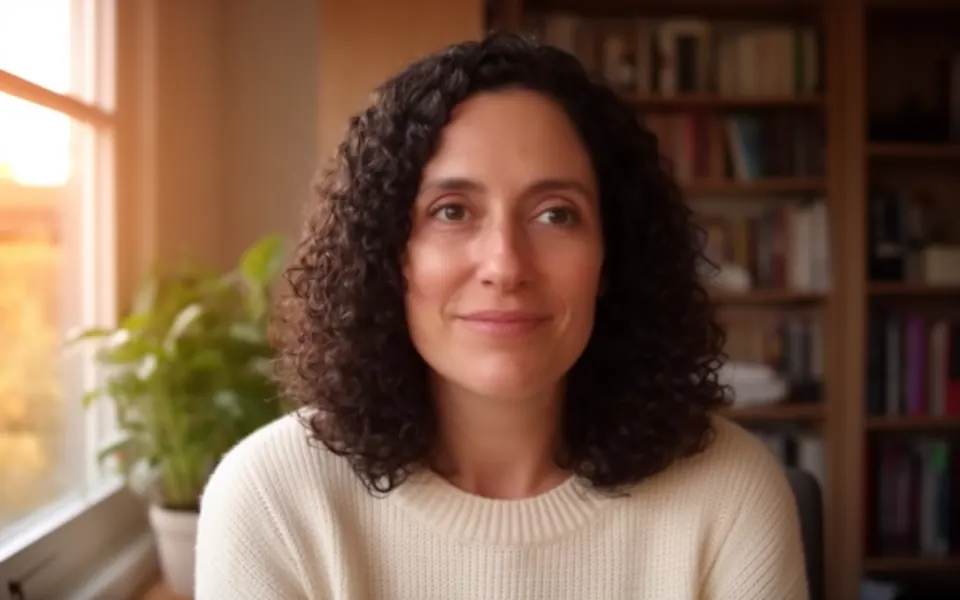
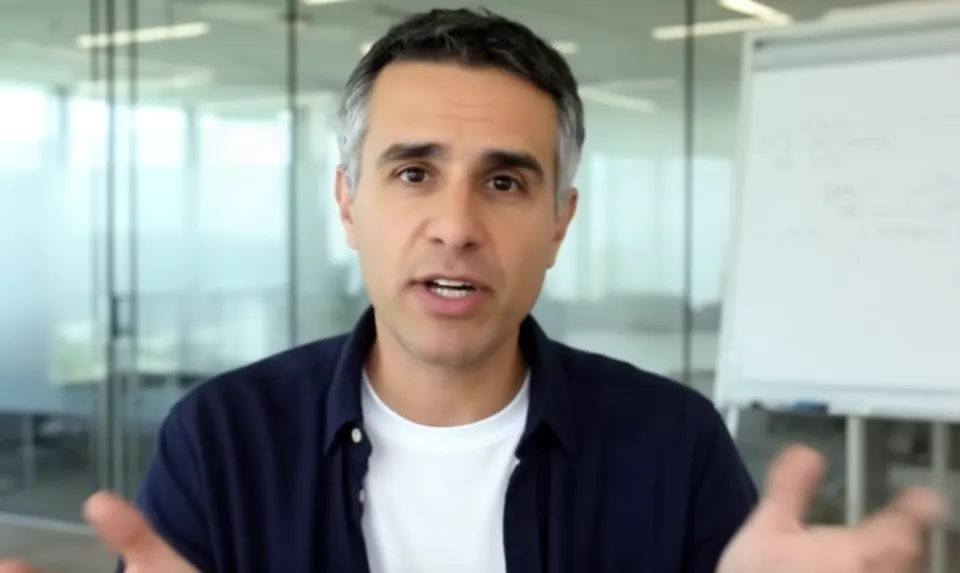
Neutral by design
Counsel is nobody's lawyer. It works for the conversation and treats both parties the same.
Both must accept
Nothing in the document changes until both parties press Accept. Counsel only ever proposes.
Every word attributed
Each microphone is its own connection, so it always knows who said what. No guessing.
Says what it isn't
An AI, not a lawyer — and it says so at the start of every call. Both sides see everything.
The signature
It reads the clause. The words light up.
Ask Counsel to read any section and it reads it word for word — no paraphrasing while it reads — while the highlight follows its voice through the text on every screen in the room.
- Both sides on the same wordsEveryone is looking at exactly what is being said, at the moment it is said.
- Verbatim, then discussionIt finishes the clause before it comments, then asks whether either of you wants it changed.
- Any section, any timePress Read beside a clause, or just ask out loud: “read us the confidentiality clause.”
4.Confidentiality
Highlighted in time with the voice, on every screen in the room.
Any draft
Bring the draft you have. Or start from nothing.
Drop in a Word file or a PDF and it lands on both screens in numbered sections Counsel can point at. No draft yet? Say what you need and Counsel writes one from the conversation — complete clauses, with blanks wherever nobody has said.
- .docx, .pdf, .txt and .md — or paste the text
- Headings and numbered clauses become sections
- A new draft leaves [blanks] rather than inventing terms
Redlines
Counsel proposes. Both of you decide.
Every change arrives as a redline with a one-sentence reason that names what each side said. It goes in when both parties press Accept, and is dropped the moment either declines. Counsel never edits the document on its own.
- Word-level diff — struck and inserted, side by side
- Accept or decline per party; observers can't
- A record of who accepted what, and when
Attribution
It always knows who is speaking.
Each person's microphone reaches Meetful on its own connection, so Counsel is told who is talking the moment it changes, and every line of the transcript is filed under the right name. A bot dialled into someone else's call hears one mixed stream and has to guess.
- Party A and Party B, set by whoever hosts
- A per-microphone transcript, not a guess
- Counsel stops the moment anyone talks over it
Afterwards
Leave with the document, not just a recording.
Download the draft as it stands — Word, Markdown or plain text — at any point in the call, with what was agreed marked. The per-speaker transcript and the recap stay with the meeting.
- A Word file that opens anywhere
- Every version numbered, every acceptance logged
- The transcript in your dashboard when you're signed in
How it works
Three steps. One link.
Open a legal call
Start the room, drop in your draft — or don't — and send the other side the link. They join in the browser: no download, no account.
Call Counsel in
One press from the host. Counsel joins as a listed participant, greets you both by name, says once that it's an AI and not a lawyer, and asks what you're here to agree.
Read, redline, accept
Ask for any clause and hear it read with the words lit up. Wording is proposed as redlines you each accept. Download the result when you're done.
Made for
The agreements people talk through.
Anything two sides would rather settle face to face than across forty emails.
Mutual NDAs
Purpose, term and exclusions, read through and settled before the real conversation starts.
Freelance & services
Scope, fees, payment terms and who owns the work, agreed with the client on the call.
Co-founder terms
Equity, vesting, roles and what happens if someone leaves — said out loud, then written down.
Term sheets
Walk the key terms together and leave with one draft both sides recognise.
Leases & rentals
Rent, deposit, repairs and notice, with landlord and tenant on the same page.
Partnerships
Who brings what, who owns what, and how the upside is split.
Offer letters
Salary, start date, equity and conditions, talked through with the candidate.
Settlement talks
A structured conversation toward terms both sides can accept, with a record of every step.
Counsel, from the Latin consulere: to deliberate. It begins with con- — together.Not one side's advocate. The deliberation itself.
Boundaries
What Counsel will not do.
An AI in the middle of a negotiation is only worth having if both sides can trust what it won't do. These are built into how it works, not buried in a policy.
- Give legal advice.It drafts, explains and reads. It says at the start of every call that it's an AI, not a lawyer — have a licensed attorney review anything before it is signed.
- Take a side.It's nobody's lawyer. It works for the conversation and treats both parties the same.
- Change a word on its own.It can only propose. A redline goes in when both parties accept — never before.
- Hide.It's listed in the room like any participant, and the host can dismiss it with one press.
- Talk over you.It listens more than it speaks, and stops the moment anyone talks over it.
Pricing
Start free. Add time as you need it.
The call, the document, redlines and downloads are on every plan. Plans differ in how many minutes of Counsel you get each month.
Loading plans…
Minutes reset on the 1st. A sitting ends after two hours and can be started again. Nothing is charged automatically. Compare every plan
Questions, answered plainly.
Is Counsel a lawyer?
No. Counsel is an AI, and nothing it says is legal advice. It drafts, explains, reads the document aloud and keeps an exact record of what both parties agreed. It says so itself, once, at the start of every call. Have a licensed attorney review anything before it is signed.
How does Counsel hear two parties on one call?
Each participant's microphone reaches Meetful on its own connection, so the server knows whose voice is whose and tells Counsel who is speaking whenever that changes. The transcript stays per-microphone throughout. Counsel's own voice is a third participant, listed in the room like any agent, with a switch to remove it.
Can Counsel change the document?
It can only propose. A proposal appears on both screens as a redline with a one-sentence reason; it is applied when both parties press Accept and dropped when either declines. The record keeps who accepted what and when. Counsel can also draft a new document from what it heard, which the parties then review the same way.
What does a legal call cost?
Each plan carries Counsel minutes per month: 30 on Free, 240 on Pro, 480 per seat on Enterprise. The allowance resets on the 1st; a sitting ends after two hours and can be started again; nothing is charged automatically. The call, the document pane and the download work on every plan whether Counsel is in the call or not.
Where does the document go afterwards?
It stays with the room, versioned, until the room is cleared, and anyone in the room can download it as Word, Markdown or plain text at any point. The voice model hears the audio of the call and the text of the document while Counsel is in the call; nothing is kept there afterwards.
Which model is behind Counsel?
OpenAI's GPT-Live, a full-duplex speech model, for the voice — it listens and talks at once, so it can be interrupted — with a larger model behind it for reading, drafting and the tools. Meetful runs the audio mixing, the attribution of who is speaking, the document and the highlight itself.
Bring the other side. We'll set the table.
Open a legal call, send the link, and call Counsel in when you're both there.